
macOS
Go on.Give it a tug.
StreakBest 00
Snap the rope, then click the free ball to bounce and build your streak. Grabbing the ball, rehanging it, or touching any browser edge resets the streak. Your best is saved in this browser between visits.
Your physics.Your kind of play.

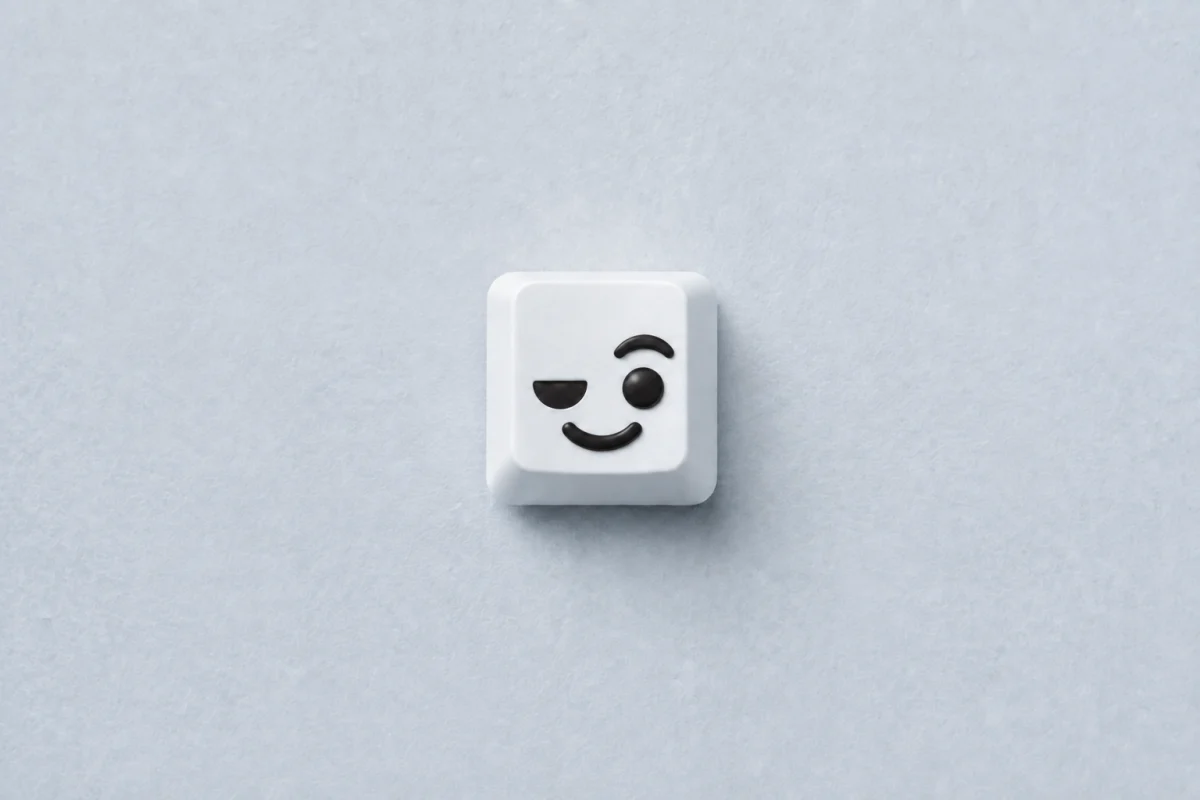
Ready to play.Easy to hide.
Eleven balls.
Not one feels the same.
Different textures, different bounce, different sounds.
Drag to explore
Drag left or right. Use a horizontal scroll gesture, or Shift and the mouse wheel. Arrow keys browse; Space pauses or resumes automatic motion. Movement resumes three seconds after your drag comes to rest.
Arrow keys to explore · Space to pause or resume
$9.99— Yours forever.
One purchase. No subscription.
- 11 balls with their own physics & sounds
- Tunable physics & ball size
- Customizable keyboard shortcuts
- Juggling streaks & personal bests
- Haptic feedback on supported devices
- One license for two computers
- Free app updates
- No account required
macOS 14+ · Apple siliconWindows 10 / 11 · x64
Final price, taxes and currency
are shown at checkout.
A few good
questions.
What is Bop?
Bop is an anti-stress desktop fidget toy for Mac and Windows: a little ball that lives above your apps. Pull its rope, toss it, bounce it and juggle. The full app includes eleven balls with different textures, physics and sounds, plus your own settings and records.
When can I play with it?
Bop is your desktop buddy for boredom and short play breaks. Play between tasks, while an AI prepares its answer or a file downloads. Pull, toss and juggle with sound or silently. Hide the ball with your shortcut and return to work.
Anxiety and ADHD: is Bop suitable for play breaks?
Bop is an anti-stress fidget toy for short play breaks with anxiety or ADHD: a way to keep your hands busy and play with a ball on your desktop. Pull the rope, toss the ball or juggle — with sound or silently. Adjust the pace and physics to suit you.
Is this the whole app?
This is a little browser playground with one Bop ball. The full app lives over the apps you use every day, with all eleven balls, physics controls, personal juggling records, and a customizable shortcut. The demo adapts the feel for the web; it isn’t the native app engine.
Will it work on my computer?
On Mac, Bop requires Apple silicon and macOS 14 Sonoma or later. The Windows version is for 64-bit Windows 10 (version 2004, build 19041 or later) and Windows 11. The browser playground also works on phones; the full app is a desktop toy, not a mobile app.
Is it a subscription?
No. Bop is a one-time $9.99 purchase. Your license is yours forever, with all eleven included balls and no monthly or yearly renewal.
Are updates included?
Yes. All future Bop app updates are free with your license. Checking and installing updates requires an internet connection and a valid license.
Can I use it on more than one computer?
One license covers two computers in total: two Macs, two Windows PCs, or one of each. Moving to a new computer? Deactivate Bop on an old one in its license window, then use the same key on the new one.
Does Bop work offline?
Yes, after online activation. You can play offline for up to 30 days after the last successful license check. Reconnect to verify your license before that period ends. Your purchase does not expire; this is just the offline verification window.
Do I need an account? How do I activate it?
You don’t need a Bop account. After purchase, find your license key in the purchase email, open the app and enter the key in its license window. The first activation needs an internet connection. The one-ball browser playground needs no key.
Can I change the physics?
Yes. Each ball starts with its own physics preset and sounds. Tune gravity, bounce, weight, friction, throw power, spin, and more for each ball. Size and sound controls apply across the collection. Sound is always optional.
Can I mute it or get it out of the way?
Of course. Turn sound off in Bop’s menu for silent play. Use Show / Hide or your chosen keyboard shortcut to hide the toy when you want to focus, then bring it back when you want a break.
Will my settings and records be saved?
Yes. The app saves your ball settings, shortcuts and personal juggling records locally on each computer. They aren’t synced between devices. The browser playground also saves your best streak in this browser between visits, but starts each visit with a fresh streak.